
Upload a product image and select a new aspect ratio to generate expanded variations, with AI automatically filling in the added space to match your original image.
Platform: WizStudio | Who is this for: Designer
Before You Begin
- You must have access to WizStudio.
- Have the product image you want to expand ready to upload or open.
» Expand Your Image
AI Expand changes your image's aspect ratio and fills in the new space automatically, no manual editing needed.
- Login to WizStuido and open the AI Image Expander.
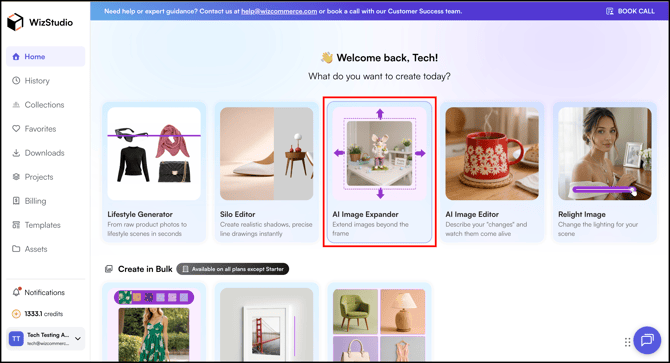
-
Upload a Product Image from device or choose from assets (asset library) .
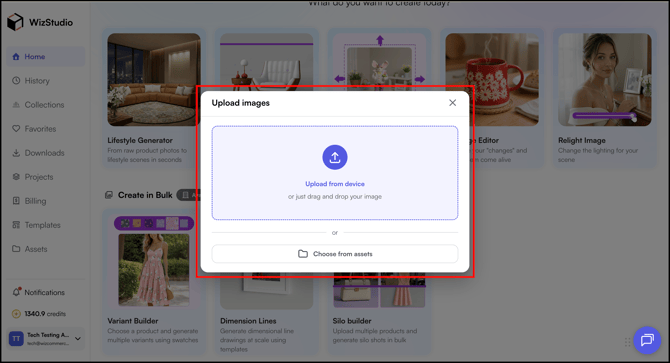
- Once you upload your image, you will land on the AI Expand page.
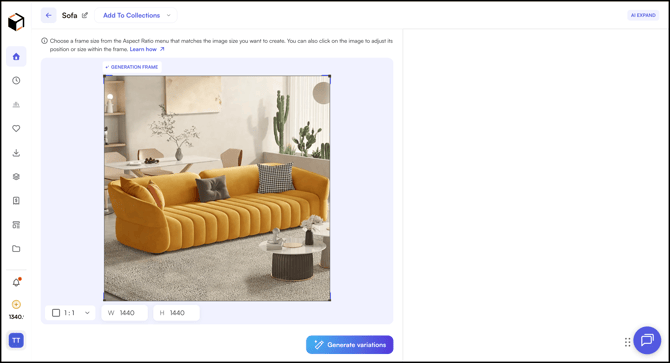
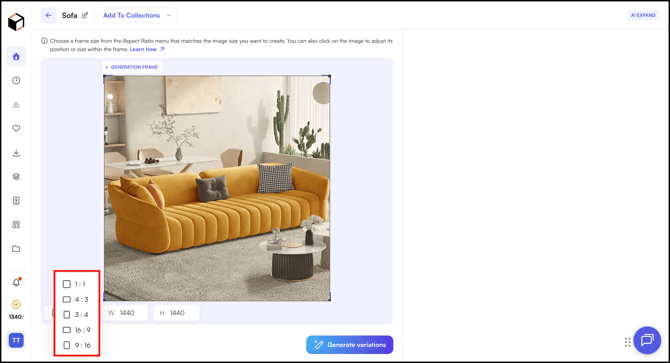
- Select the Aspect Ratio or adjust the frame size to match the image dimensions you want to create.
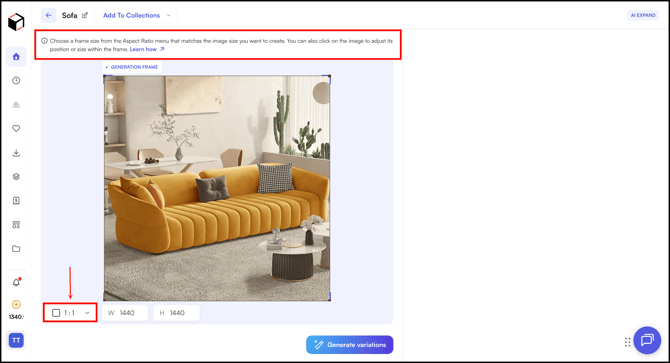
- For example, 3:4
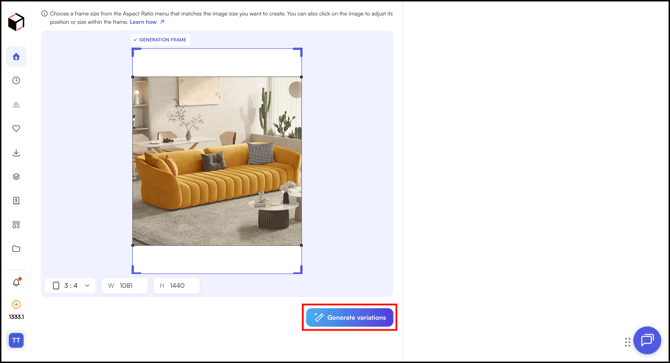
- Once ready, click Generate Variations.
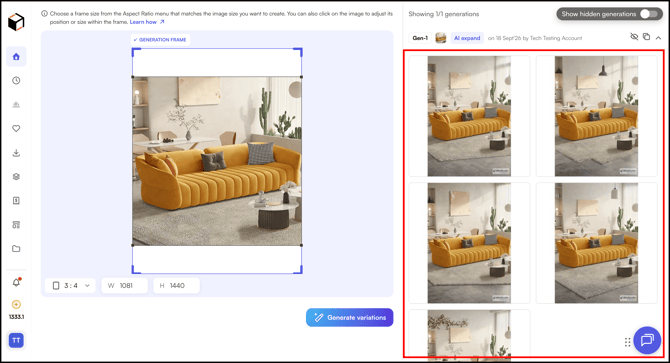
- The process may take a few moments. Once complete, the generated variations will appear on the right panel.
Still need help? Reach out to our support team at help@wizcommerce.com.