
Inside the Sales Rep App (WizOrder), the “View Similar” feature analyzes a product’s image and attributes to surface closely matching items from your catalog. Results are ranked by relevance and prioritized for availability, helping reps quickly present viable alternatives without leaving the flow of the conversation.
Platform: WizOrder | Who is this for: Sales Reps & Admins
Table of Contents
| Section | Topics |
| A | View Similar Products |
| B | FAQs |
Before You Begin
- You must have access to WizOrder
- The View Similar feature is available on both the product card and the product details page
- Image Search is available from the search bar on the Products page, you can upload a photo or capture one using your device camera
A. View Similar Products
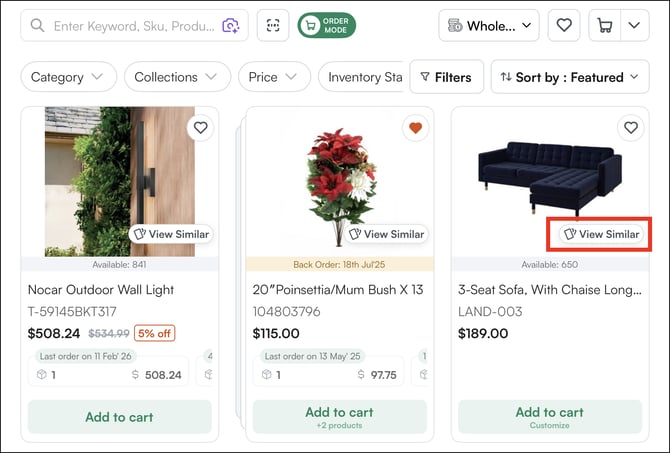
Every product card and Product Detail Page includes a “View Similar” option. When a product is out of stock, discontinued, or the buyer wants to see alternatives, this feature uses AI to find visually and categorically similar products in your catalog.
-
Product Card:
-
Product Detail Page:
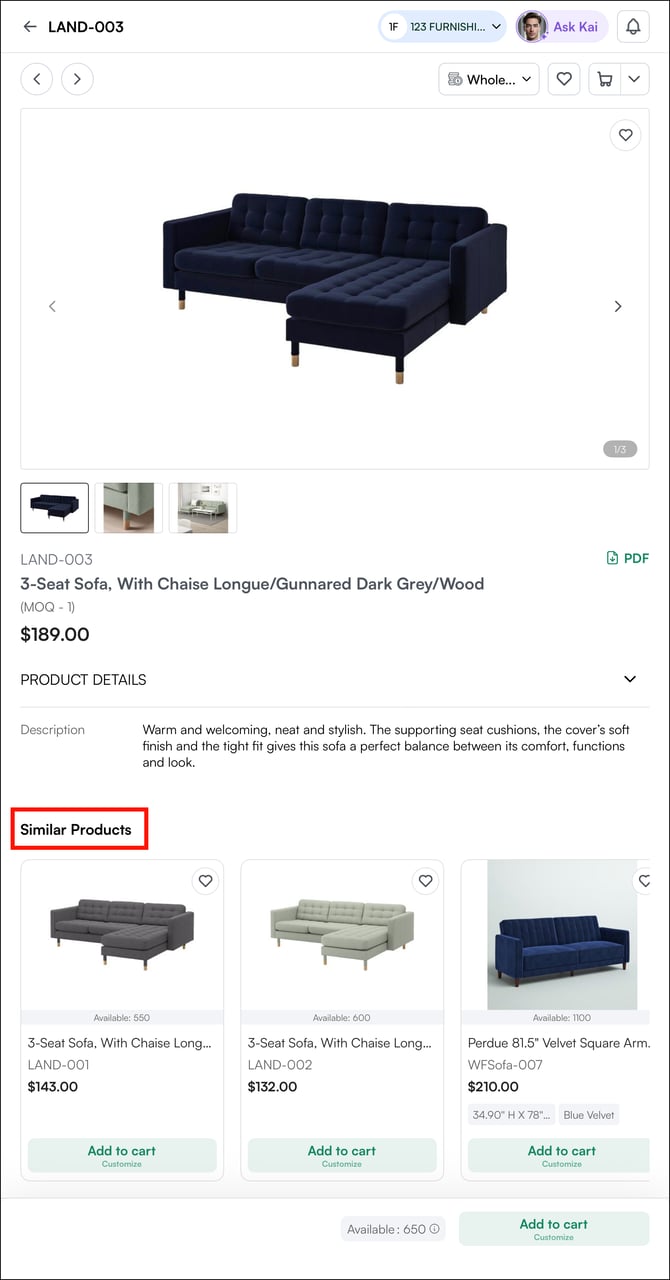
How it works:
-
The AI analyzes the product’s image along with its attributes (size, shape, material, color, style, price point)
-
It returns a ranked list of similar products from your catalog
-
Results prioritize items that are in stock and available for immediate ordering
FAQs
1. How does WizOrder decide which products to show as similar?
A. The AI analyzes the product's image along with its attributes, including size, shape, material, color, style, and price point. Results are ranked by relevance and filtered to prioritize products that are in stock and available for immediate ordering.
2. Can I use image search with a photo taken on a competitor's product?
A. Yes. You can upload or capture a photo of any product — including a competitor's — and WizOrder will find the closest matches in your catalog. This is useful when a buyer brings a reference product to a meeting or trade show.
Not finding what you need? Browse the WizCommerce Help Center, reach out to your Customer Success Manager, or contact our Support Team.