
To update a draft order with missing products, fetch the latest cart into the order. This typically happens when products were added to the cart after the order was already created, so the order only reflects what was in the cart at that time. Follow the steps below to sync it.
» To update the draft order:
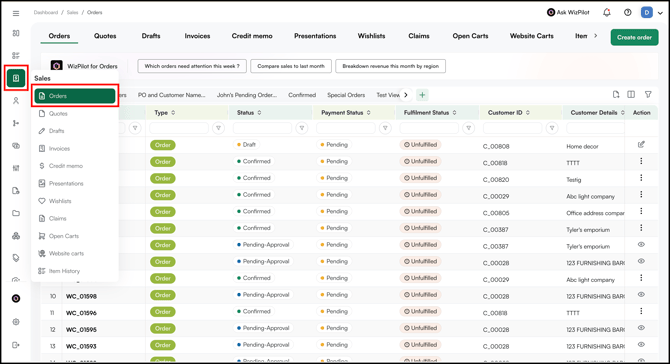
- Go to Sales → Order.
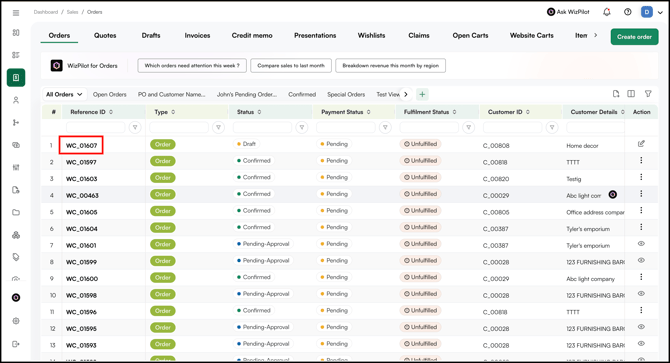
- Open the existing Draft Order.
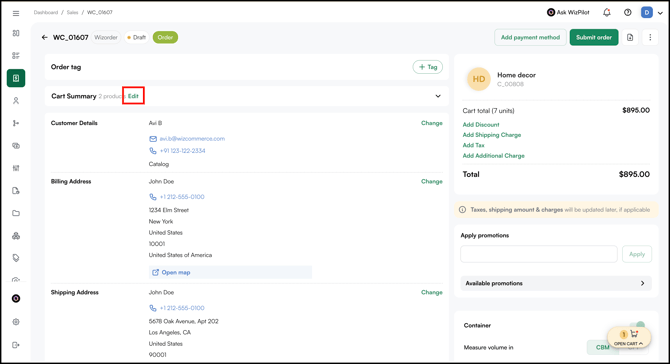
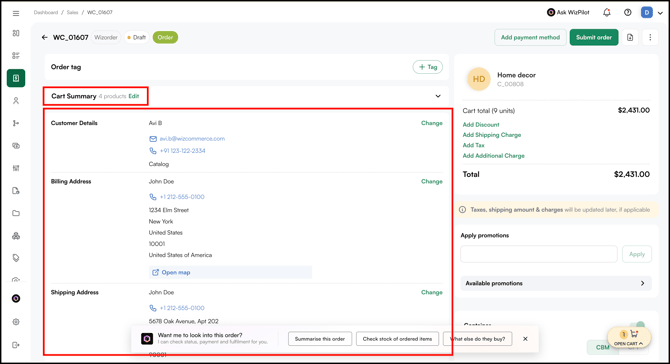
- Click Edit under the Cart Summary.
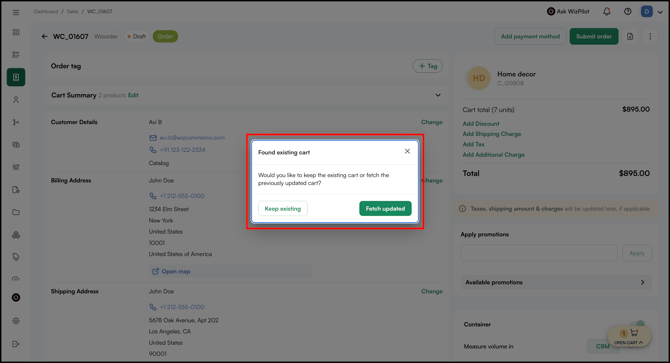
- When you see the Found existing cart message, click Fetch updated to pull in the latest cart.
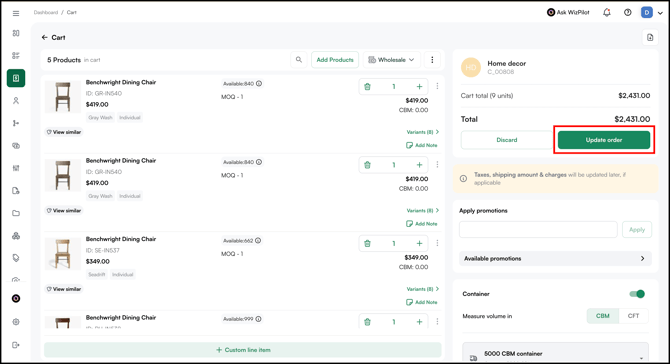
- The cart with all the products will open.
- Click Update Order to save the changes.
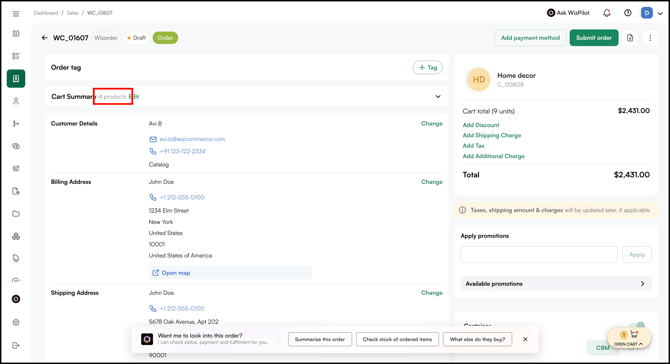
- Once updated, the order will reflect every product currently in the cart.
Still need help? Reach out to our support team at help@wizcommerce.com.