
Export your finished batch of silo images, ready to upload to your catalog or share with your team. Credits are only deducted at the download step.
Platform: WizStudio | Who is this for: Marketing & Catalog Teams
Before You Begin
- Confirm your credit balance before downloading.
- You are only charged at the download step, not for uploading or editing.
- We recommend downloading 30-40 images at a time, as larger batches may take significantly longer to complete.
» Download Bulk Silo Images
- Click Download All to export every image in the batch.
- Confirm the credit deduction. Each image download uses credits.
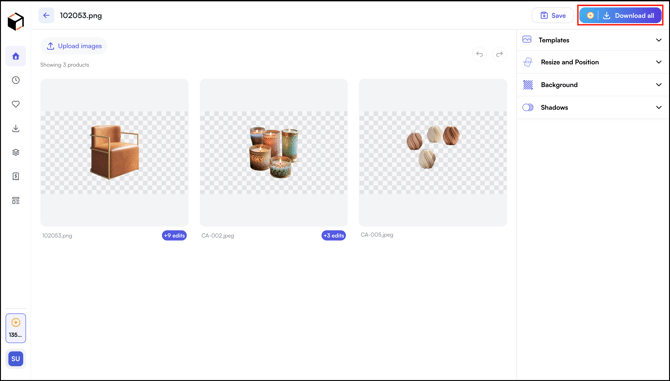
Files download to your computer in a standard image format, ready to upload to your catalog or share with your team. Credits are deducted only when you download the files. You can upload, edit, and preview images without using any credits.
Tip: When downloading a large batch of images, we recommend downloading 30-40 images at a time, as larger batches may take significantly longer to complete.
» Related Article →
Still need help? Reach out to our support team at help@wizcommerce.com.